Decisions rely on fragments
Competitors, demand generators and access appear in different places. Missing data can look like an absence of risk.
Location research for food businesses
Check one location for free: competitors, nearby demand signals and access. Save one location and open a report with sources and limitations.
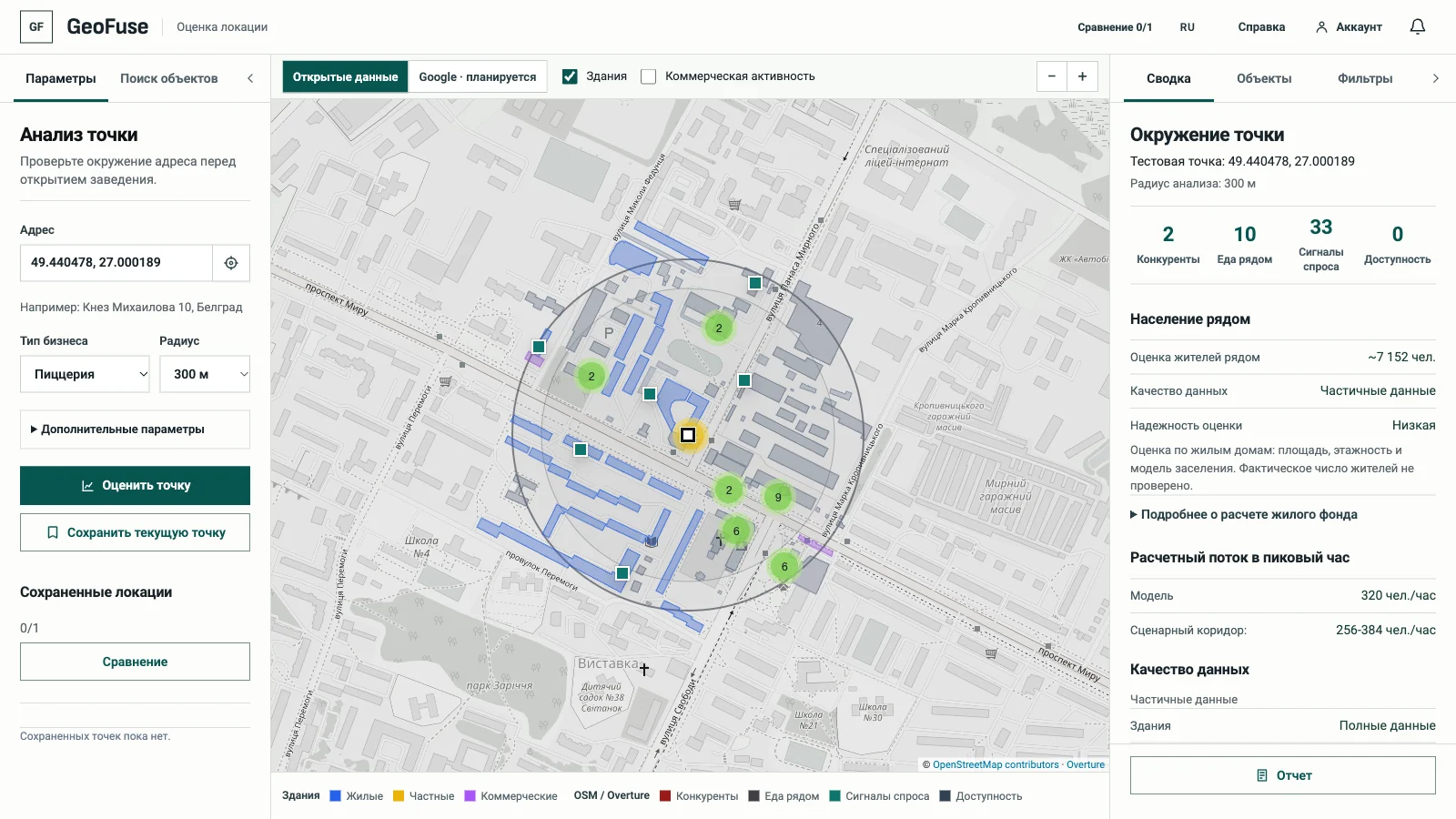 Open app
Address
Local evidence
Report for review
Before the lease
Before a deposit, the evidence is often scattered across maps, a broker's advice, site visits and sources with different coverage.
Competitors, demand generators and access appear in different places. Missing data can look like an absence of risk.
GeoFuse collects data within the same radius and shows sources, limitations and missing sections.
Save one location and prepare a report for discussions. Use the estimate to check local evidence, not to forecast revenue.
Example workflow
Follow the workflow: address → surroundings → sources → review. Multi-location comparison and additional report formats are ideas for a future Pro version; the survey helps us choose what to build next.
Food businesses found in OSM / Overture and their distances. Search results are not an exhaustive register.
Housing, offices, shops, schools, hospitals and other places that may attract visitors.
Nearby stops, parking and other access features to verify on site.
Source labels and missing-data notices help separate observations from assumptions.
Review the input, surroundings and available evidence together. Return to each step when checking the location.
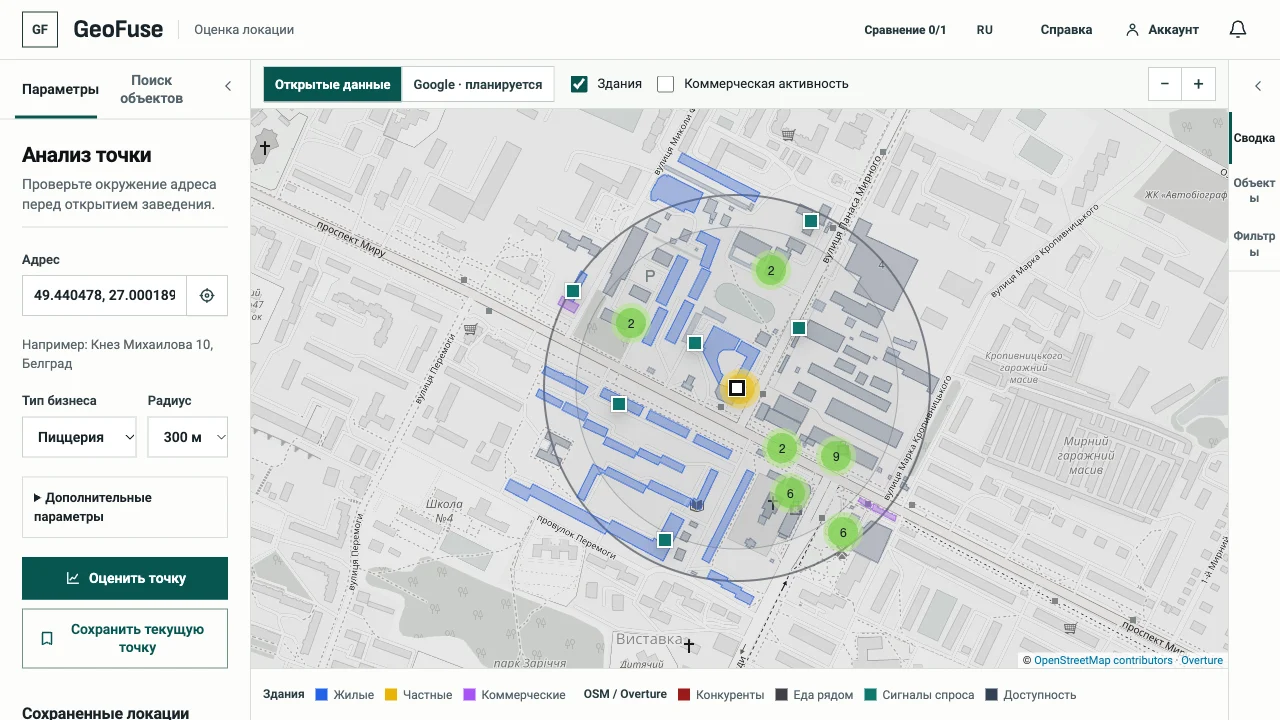
Choose an address, food business profile and radius to define the analysis area and categories.
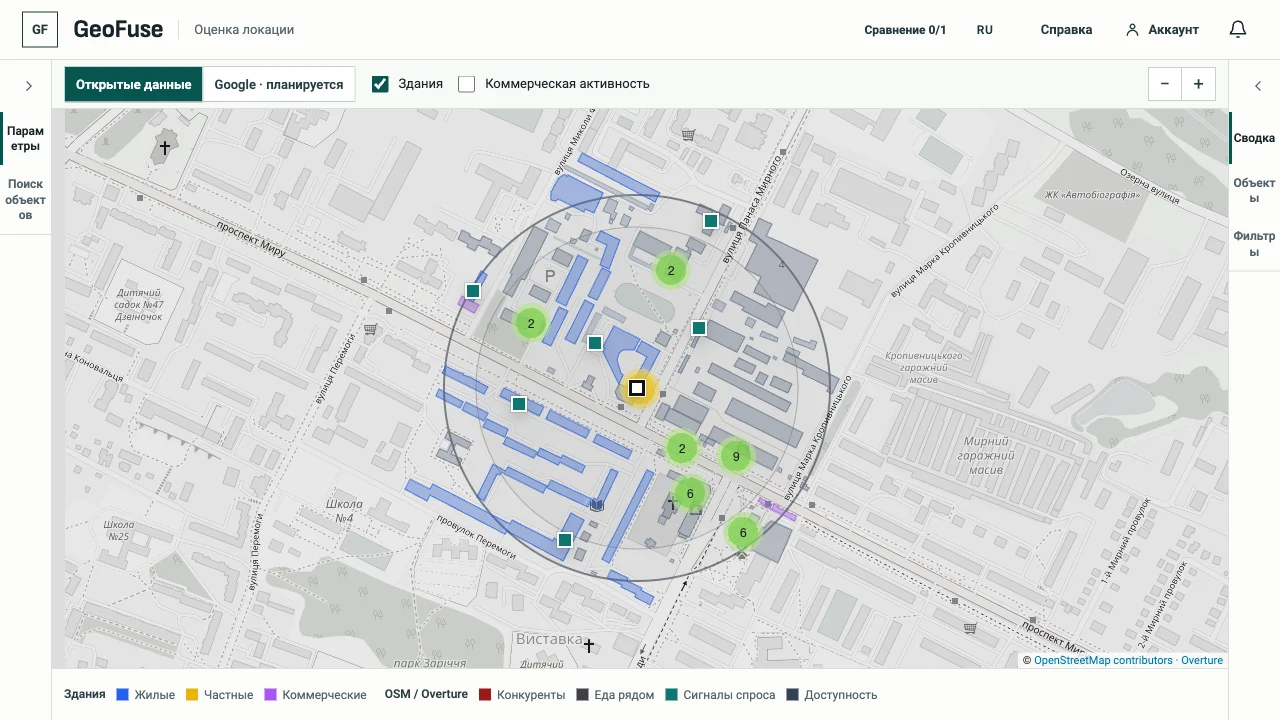
Places and distances stay tied to the selected location and radius.
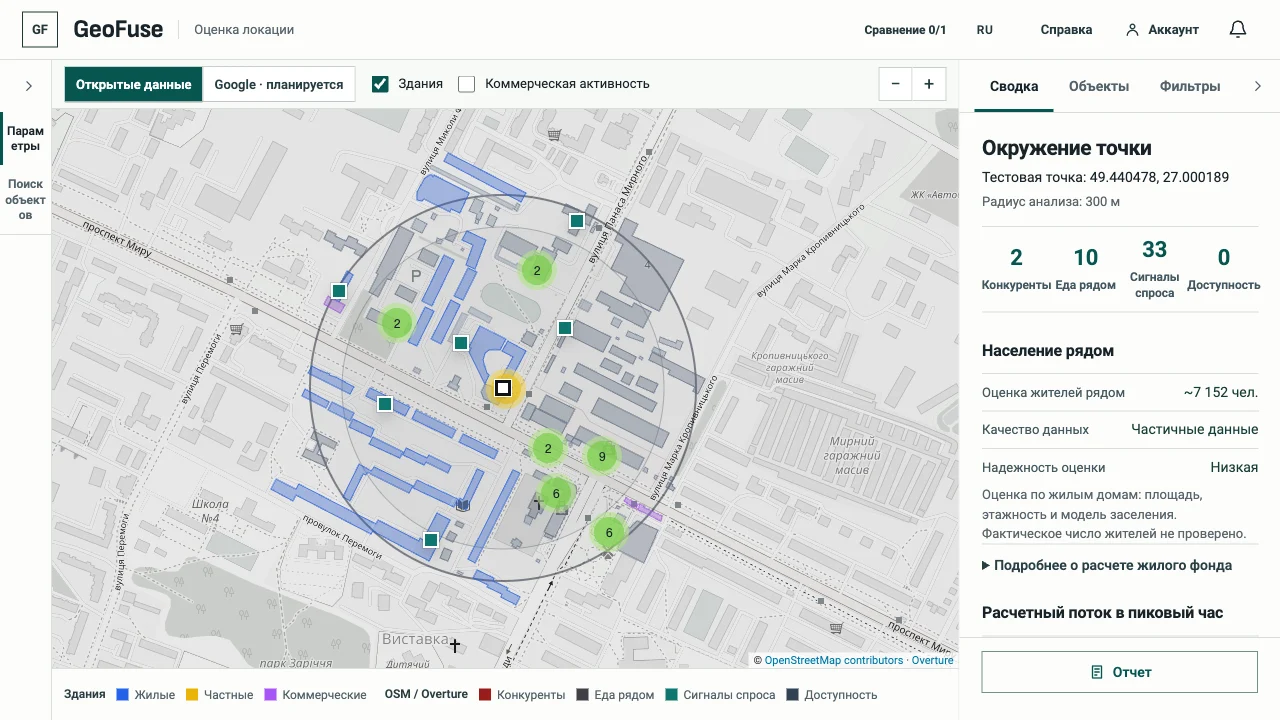
Review available categories and incomplete sections before using the result in a business decision.
The open map and analysis use OSM / Overture. The service attempts to prepare data automatically for new areas; completeness and availability depend on the sources. Population is estimated from buildings, with WorldPop used where available. The Google map is currently available only to the owner for testing. Measured pedestrian traffic is not provided.
Read the methodology and limitationsStart with one location